How to Handle ABB Robot Battery Alarms? Backup, Zero Point Data, and Replacement Step Checks
When an ABB robot displays a low battery alarm, first complete a system backup and confirm zero point data, then replace the corresponding battery according to the controller and robot model and verify the alarm status.
Neste artigo
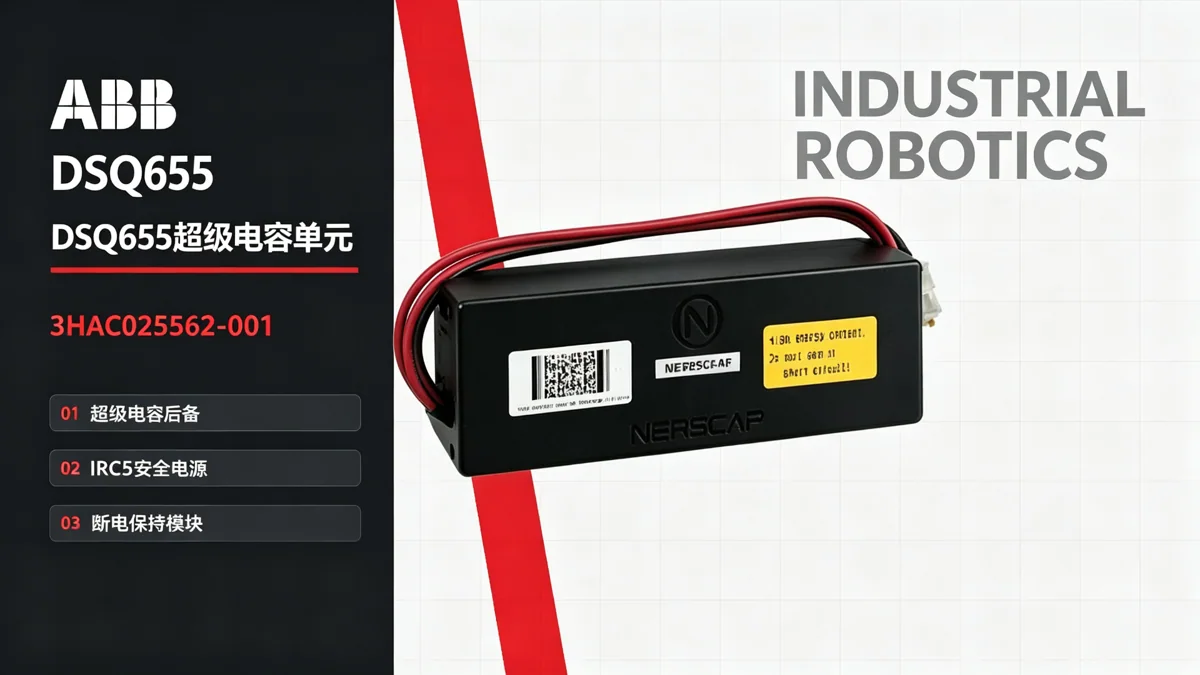
When a low battery alarm occurs for the ABB robot controller or robot body battery, it should be addressed as soon as possible. The battery is used to maintain certain stored or encoder data. The battery location, specifications, and replacement requirements may differ depending on the controller and robot model; do not directly power off and replace it.
- First, Save Data
Before replacement, complete a system backup, saving robot programs, system parameters, zero points, tool data, workpiece coordinates, and I/O configuration. Record the current alarm codes and the status of each axis, and confirm that the backup files can be read normally.
- Verify Battery Model
Confirm the specifications, interface, and quantity based on the controller model, robot serial number, and original battery markings. Check the battery plug, cable, and mounting location, and avoid using products with similar interfaces but different voltages or battery chemistry types.
- Perform Replacement
Handle the power supply status according to the maintenance requirements of the corresponding equipment, avoiding removing the old battery when data retention conditions are not met. During installation, check polarity, plug locking, and cable routing; do not let the battery be crushed or placed near high-temperature components.
- Post-Replacement Verification
After restarting, check the battery alarm, event log, zero points, and the robot's current position. Move each axis slowly at low speed and run a reference program to confirm that the trajectory and repeat positioning are normal, and record the replacement date in the maintenance log.
The key to handling ABB robot battery alarms is not just to clear the prompt, but to first protect backup and zero point data, then complete model verification, replacement, and motion verification.
Hotline de reparação de robôs industriais: +86 18122009539
Contacto Engenheiro de Reparação: +86 18122009539
Line Down? Get Urgent Parts, Board Repair or On-Site Support
Share your robot model, part number, alarm code and location. We provide spare parts sourcing, component repair, on-site installation/commissioning and preventive maintenance.