
How to Troubleshoot an ABB Robot Teach Pendant That Won't Start? Power Supply, Cables, Emergency Stop, and Display Checks
When an ABB robot teach pendant has a black screen, fails to start, or loses connection, you should sequentially check the controller status, power supply, connection cables, emergency stop circuit, display/touch components, and interfaces.
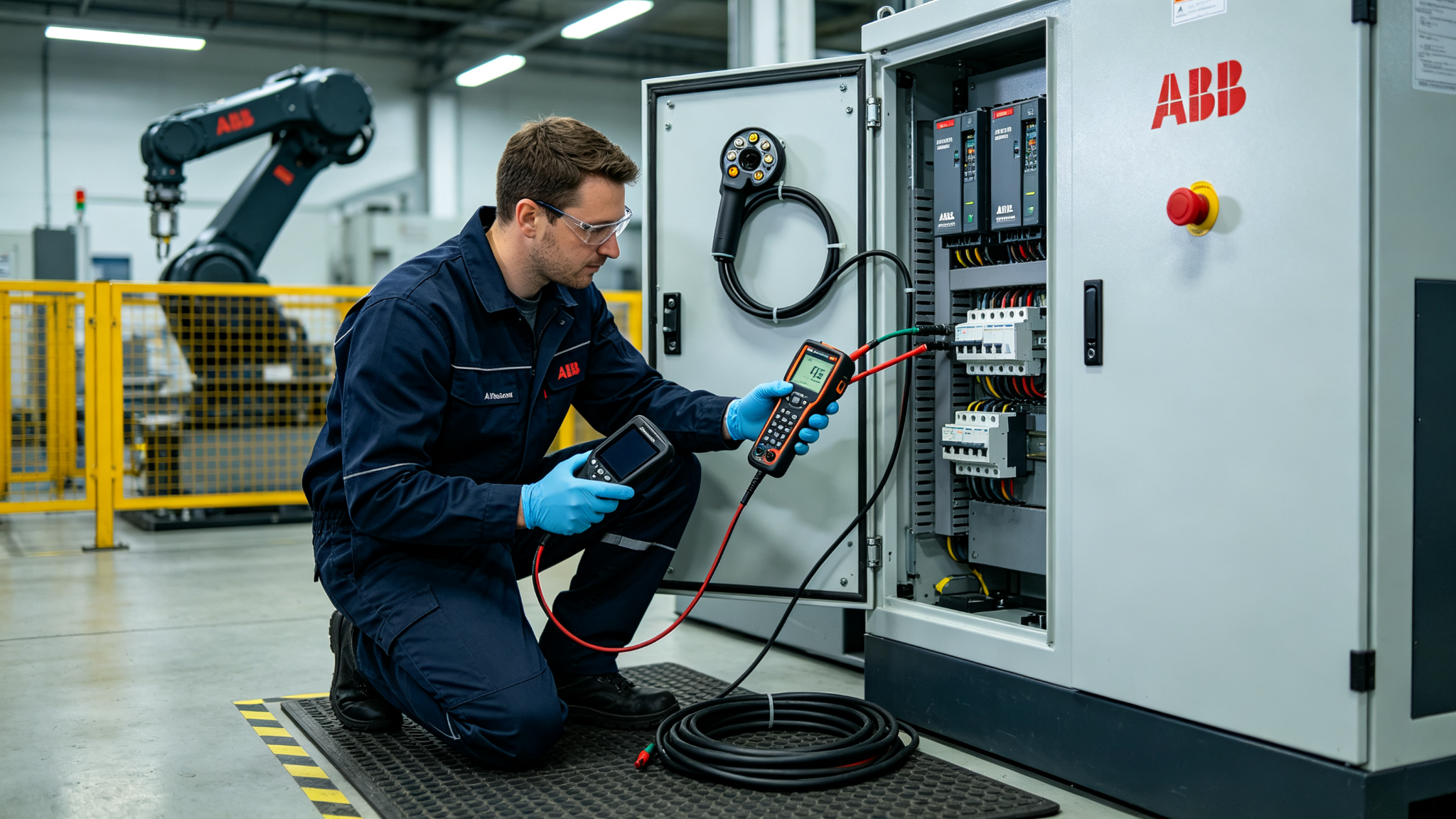
When an ABB robot teach pendant experiences a black screen, gets stuck on the startup screen, has unresponsive touch, or disconnects during operation, the fault may lie in the teach pendant itself, or it could originate from the controller power supply, connection cables, or interfaces. Checking step-by-step along the signal chain can avoid directly replacing the entire unit.
- Confirm Controller Status
First, confirm whether the IRC5 or corresponding controller has started normally, and whether the power supply and main computer indicator status inside the cabinet are normal. If the controller itself has not completed startup, the teach pendant's lack of display may just be an external manifestation of a system fault.
- Check Power Supply and Connection Cables
Check the teach pendant plug for tightness, pins, protective sleeves, and cable bending points. If the screen flickers or communication is restored when moving the cable, it usually requires further testing for internal wire breaks and connector contact issues, not just re-plugging.
- Check Emergency Stop and Operating Components
Check the teach pendant's emergency stop button, enabling device, keypad membrane, and corresponding safety circuits. Abnormal emergency stop contacts may cause the system to fail to enable. For touch abnormalities, distinguish between issues with the touch layer, display screen, mainboard, and software response.
- Post-Repair Verification
After restoration, test startup, touch calibration, all physical keys, emergency stop, three-position enabling device, mode switching, and long-term communication. Also, operate within the cable's natural range of movement to confirm it won't disconnect again due to bending.
ABB robot teach pendant faults should be investigated layer by layer from the controller, power supply, cables, safety contacts to display/touch components. After repair, both operational and safety functions must be verified.
Industrial Robot Repair Hotline: +86 18122009539
Contact Repair Engineer: +86 18122009539