
How to Locate Faults in Industrial Automation Control Systems? Troubleshooting PLCs, Drives, Robots, and Networks
Faults in industrial automation control systems should be located layer by layer from power supply, safety conditions, PLC logic, industrial networks, drives, robots, and actuators, avoiding isolated component replacement.
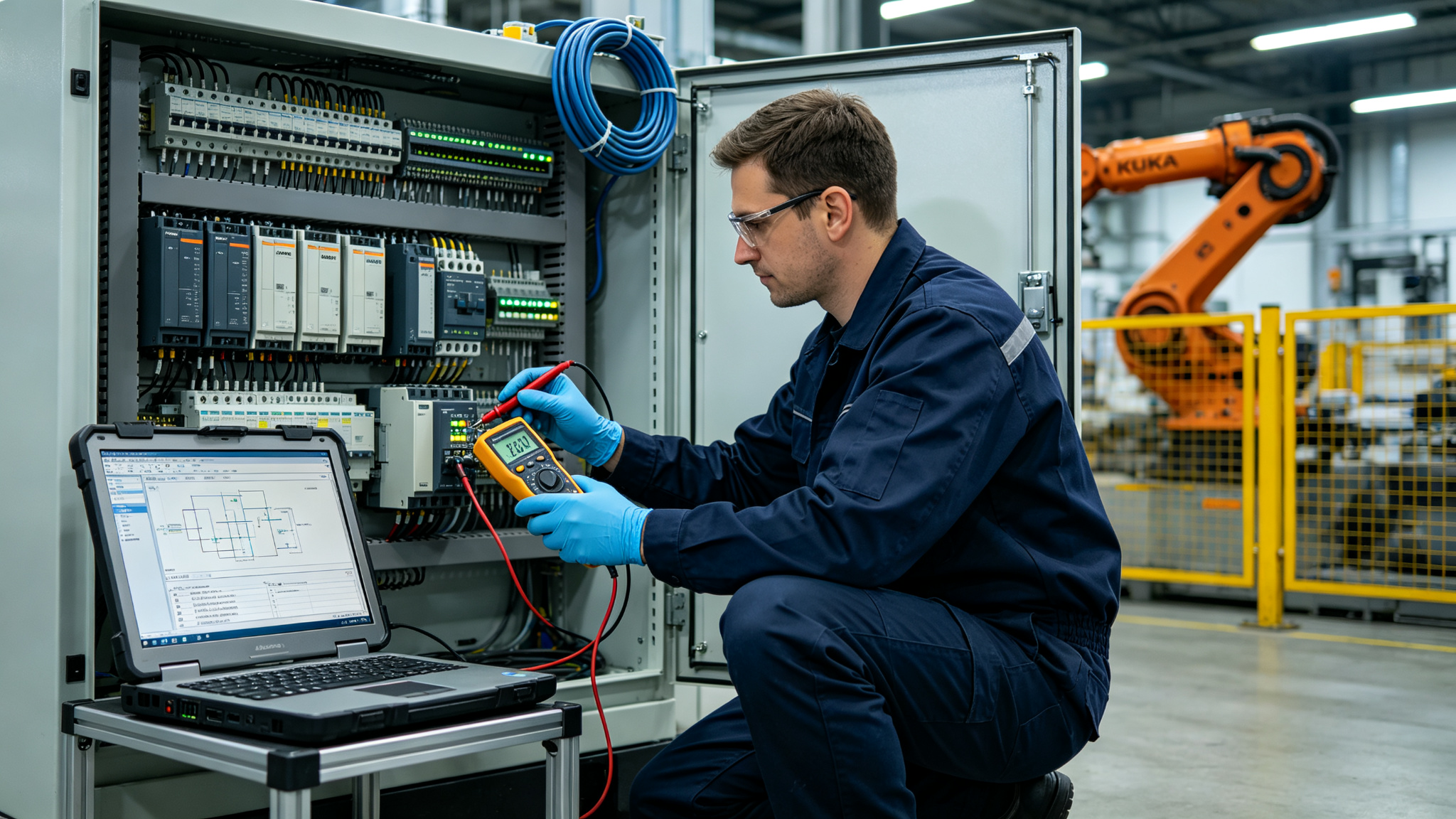
When an automated production line stops, alarms may appear anywhere in the PLC, robot, drive, or HMI, but the device that first displays the alarm is not necessarily the source of the fault. Effective troubleshooting requires following the startup conditions and signal chain to find the first unmet condition.
- Confirm Power Supply and Safety Conditions
Check the status of the main power supply, control power supply, 24V circuit, emergency stop, safety door, light curtain, and safety controller. When multiple devices go offline simultaneously or cannot be enabled, priority should be given to checking the common power supply and common safety circuit.
- Check PLC Logic and I/O
Find the program condition corresponding to the equipment stop, and verify the status of inputs, outputs, interlocks, timers, and modes. When field sensors have a signal but the PLC does not receive it, check terminals, remote I/O, and network connections.
- Check Drives and Robots
Record the original alarms from servo drives, frequency converters, and robot controllers. Issues such as overcurrent, position deviation, or inability to enable should also be judged in conjunction with mechanical load, brakes, feedback cables, and external enable signals.
- Check Industrial Networks
Verify the status of switches, topology, addresses, terminals, and devices. Check whether PROFINET, EtherNet/IP, PROFIBUS, or EtherCAT networks have intermittent dropouts. After repair, verify the startup sequence and production cycle of the entire production line.
The core of industrial automation control system maintenance is to find the first abnormal point in the signal chain and return to full-line verification after component repair, rather than handling it in isolation based on the last alarm.
Industrial Robot Repair Hotline: +86 18122009539
Contact Maintenance Engineer: +86 18122009539