
ABB IRC5 Motor Power Failure After Cabinet Service
Diagnose an ABB IRC5 controller that cannot enable motor power after cabinet service without assuming the drive module has failed.
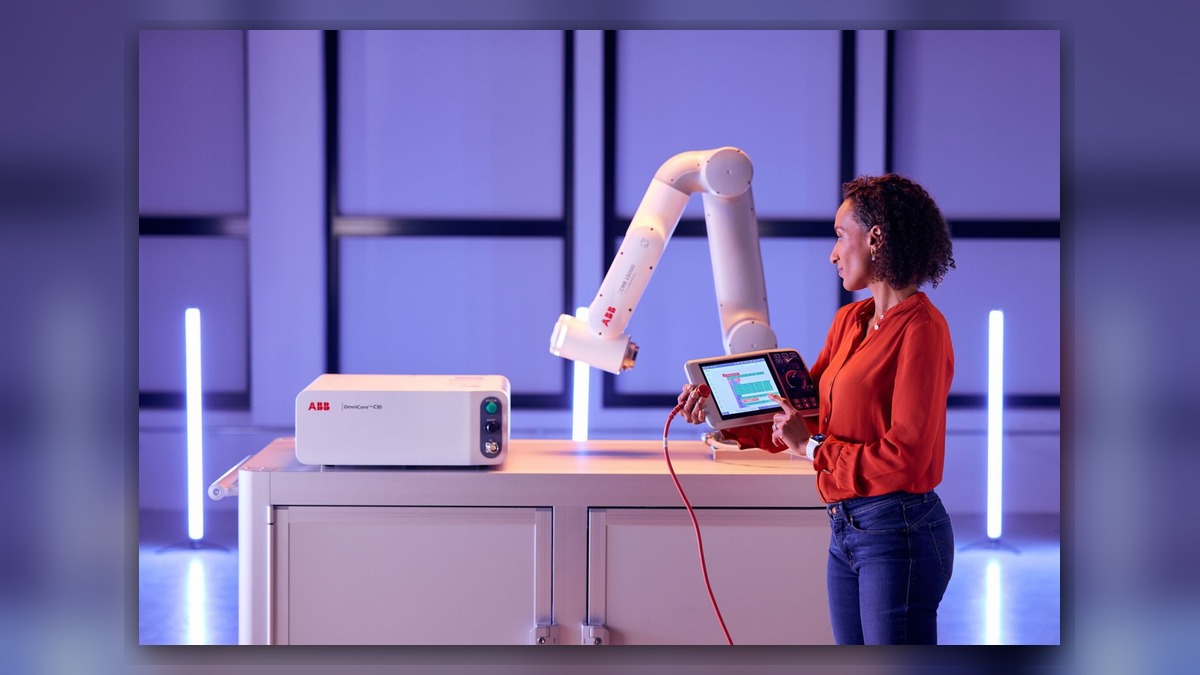
An ABB IRC5 robot that cannot enable motor power after cabinet service may involve the safety circuit, cabinet connections, power distribution, drive system, configuration, or a disturbed cable. Record the complete event message, controller and robot identifiers, service work performed, and the exact point at which startup stops. A failed motor-power command does not independently prove that a drive module, motor, or controller board is damaged. Diagnosis should first determine what changed and which enabling condition is missing.
Symptoms and Scope
This article applies to ABB robots using an IRC5 controller when motor power operated before cabinet inspection, cleaning, component replacement, cable work, or other maintenance but cannot be enabled afterward. The controller may start normally while motion remains unavailable, or an event may appear when an operator requests motor power.
It does not cover a controller that is completely dead, a robot with confirmed collision damage, or a single-axis motion problem that occurs only after motor power is already enabled. Those conditions require different diagnostic paths.
Information to Record First
Preserve the original evidence before resetting events or changing hardware. The event log may show whether the problem began during controller startup, safety initialization, motor-power enable, or a motion request.
Complete alarm code and full text:
Date and exact time:
Faulted axis:
Robot position/posture:
Program step or motion:
Actual speed and load condition:
Reset result:
Time until recurrence:
Related power, communication or feedback alarms:
Also record the robot model, IRC5 cabinet variant, installed drive-system labels, and the part numbers of any items removed or replaced. Describe the cabinet work precisely, including disconnected plugs, moved harnesses, replaced fans, cleaned areas, and exchanged modules.
Safety and Preparation
Follow the ABB operating and maintenance information applicable to the installed robot and controller. Isolate hazardous energy before opening the cabinet or handling internal connections. Stored electrical energy, unexpected brake release, and unintended robot movement can create serious hazards.
Do not bypass an emergency-stop circuit, guard interlock, or other protective function to obtain motor power. Internal inspection and energized testing should be performed only by personnel qualified for the equipment and working under the site safety procedure.
ABB Robot Repair Diagnostic Sequence
- Confirm the failure stage. Determine whether the controller completes startup, whether the FlexPendant communicates normally, and whether the failure appears before or only after a motor-power request. Record all events in chronological order. An earlier safety, communication, configuration, or power event may explain a later motor-power message.
- Compare the current condition with the completed service work. Use maintenance records, labels, and photographs to identify every connection or module that was handled. If the failure began immediately after cabinet work, inspect the affected area before expanding the diagnosis to unrelated robot components. Do not repeatedly cycle power merely to reproduce the problem.
- Inspect external enabling conditions. Confirm that site emergency stops, access protection, external interlocks, and the selected operating mode are in their intended states. The inspection target is an open or inconsistent enabling condition, not an assumption that the controller is defective. If an external device reports a fault, resolve that condition according to its documentation before evaluating the drive hardware.
- Inspect disturbed connections with power safely isolated. Look for incompletely seated plugs, damaged locking features, displaced conductors, contamination, bent contacts, or cables placed under tension. Compare connector positions with cabinet documentation for the exact IRC5 configuration. Similar-looking connectors must not be exchanged based only on physical appearance.
- Verify replacement-part identity. If a module was exchanged, compare the exact ABB part number, hardware revision, connector layout, and installed configuration with the original component and equipment records. Physical fit alone does not establish compatibility. If identity or configuration cannot be confirmed, stop and obtain the applicable technical information before applying power again.
- Review power and communication events. Determine whether event history indicates missing cabinet power, an internal communication problem, or a drive-system initialization issue. A motor-power failure can be a downstream symptom of an earlier condition. Measurements inside an energized cabinet should be limited to qualified personnel using the applicable ABB procedure and properly rated equipment.
- Separate cabinet-side evidence from robot-side evidence. If motor power cannot be enabled for the system, investigate common enabling, safety, power, communication, and configuration conditions first. Do not move directly to a motor, brake, feedback-related component, or mechanical joint unless an associated event identifies an axis-specific branch.
When Component Repair or Replacement May Be Considered
Professional inspection may be appropriate when a correctly identified module has visible damage, cannot initialize in the verified configuration, or remains implicated after external conditions and connections have been checked. Evidence should include the full event history, component label, controller configuration, and changes made before the fault appeared.
Replacement should not be used as a trial-and-error diagnostic method. Before installing a spare, match its exact model, part number, hardware revision, and connector layout. Configuration or software requirements must be verified against the installed system documentation.
For controller-level evaluation, the ABB IRC5 controller inspection and repair service is described at https://autonews.best/products/abb-irc5-kong-zhi-gui-yu-ji-xiu. ZHB is an independent industrial robot inspection, repair, and maintenance service provider that also supplies parts to overseas customers; it does not imply ABB authorization.
Verification After Repair or Correction
After correcting a confirmed connection, configuration, safety, or component problem, restore guards and cabinet covers as required. Confirm that startup completes without new events, safety functions report their intended state, and motor power can be enabled using the approved operating procedure.
Any observation under motion should be performed only by suitably competent personnel under controlled conditions and in accordance with ABB operating information and the site safety procedure. Begin with the site-approved low-risk verification method. Check event history again after the test and confirm that no related power, communication, safety, or feedback events have returned.
Common Diagnostic Mistakes
Common errors include replacing the drive system based only on a motor-power symptom, clearing the event log before recording earlier messages, overlooking a connector disturbed during cleaning, and installing a physically similar module without verifying its complete identity. Another mistake is expanding immediately into motors and mechanical joints even though the system has not reached the stage where axis motion can be commanded.
Information Required for a Repair Inquiry
For an ABB robot repair inquiry, provide the robot model, controller model, complete alarm code and text, alarm history, component label, fault conditions, and clear photographs of the cabinet and affected connections. Include a concise description of the maintenance performed immediately before the failure. This information helps an industrial robot repair provider distinguish a service-induced connection or configuration issue from a component requiring bench inspection.
Conclusion
An ABB IRC5 motor-power failure after cabinet service should be traced from the first recorded event and the exact work performed. Confirm safety and external enabling conditions, inspect disturbed connections, verify replacement-part identity, and review power and communication evidence before suspecting a drive module. Evidence-led robot maintenance reduces unnecessary part substitution and provides a clearer basis for repair, replacement, and controlled restart verification.