
ABB Robot Maintenance Before a Production Changeover
Use this ABB robot maintenance process to verify tooling, cables, safety functions, motion conditions, and fault records before production resumes.
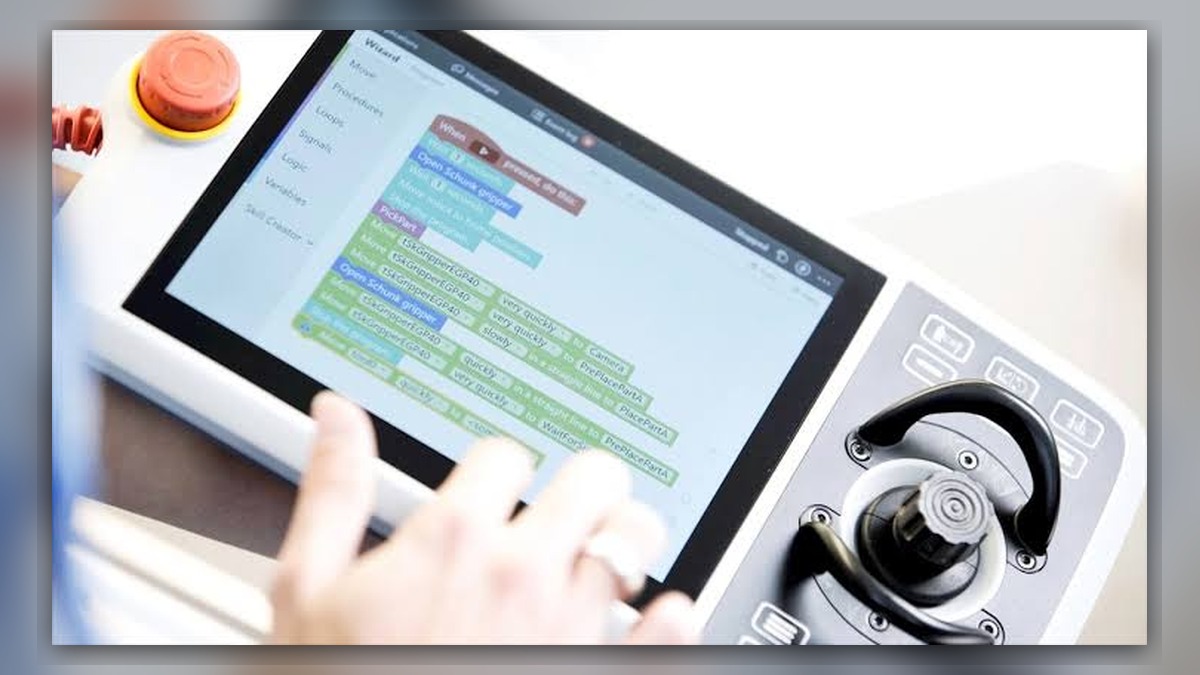
ABB robot maintenance before a production changeover should focus on anything altered by the new product, tool, fixture, program, or operating schedule. Potentially involved systems include the manipulator, dress cables, tooling connections, controller, safety equipment, and servo axes. Before diagnosis, record the robot and controller models, changeover work completed, alarm history, and conditions at the first abnormal event. A new alarm, unusual sound, or motion deviation after changeover does not independently prove that a motor, drive, or other component is damaged.
Scope of This Maintenance Check
This process applies to ABB industrial robots undergoing a planned production changeover, especially when technicians have replaced tooling, moved fixtures, rerouted external cables, edited programs, or changed operating conditions. It is intended to identify change-related problems before they become repeated production faults.
It is not a substitute for the maintenance instructions, safety procedures, or model-specific limits applicable to the installed ABB robot. It also does not establish that a servo motor requires repair. If no tooling, wiring, program, fixture, or process condition changed, a broader fault investigation may be necessary.
Information to Record First
Establish what changed and when it changed. Record the robot model, controller model, robot serial number, installed tool, relevant component labels, software or program revision, maintenance work performed, and the last known normal production cycle. Save available alarm and event records before clearing messages or cycling power.
Complete alarm code and full text:
Date and exact time:
Faulted axis:
Robot position/posture:
Program step or motion:
Actual speed and load condition:
Reset result:
Time until recurrence:
Related power, communication or feedback alarms:
These details help determine whether the event follows a particular position, command, load condition, or physical change. An alarm that returns at one posture may justify inspecting cables and connectors affected by that posture. A fault that follows a specific tool command may require investigation of the tool circuit, program sequence, or external interlock instead.
Safety and Preparation
Place the robot and connected machinery in a safe condition according to the site procedure and applicable ABB operating information. Isolate hazardous energy before touching connectors, tooling, cabinet components, or cables. Confirm that stored mechanical, pneumatic, hydraulic, and electrical energy has been controlled.
Do not bypass guards, interlocks, emergency-stop functions, or enabling devices to accelerate testing. Observation under motion may be performed only by suitably competent personnel under controlled conditions and in accordance with the applicable manufacturer information and site safety procedure. Do not repeatedly run a movement that could increase equipment or tooling damage merely to reproduce a fault.
ABB Robot Maintenance Diagnostic Sequence
- Confirm the changeover boundary. Compare the current tool, fixture, cable routing, program version, and operating setup with the last known working configuration. If the fault began immediately after one identifiable change, inspect that change first without assuming it is the only possible cause.
- Inspect the work area. Look for loose fasteners, displaced brackets, pinched hoses, stretched cables, connector damage, contamination, and evidence of contact between the robot, tool, fixture, or guarding. Check that added equipment does not restrict the manipulator or external dress package throughout the intended path.
- Review alarms and operating conditions. Determine whether the first recorded event concerns power, communication, feedback, safety, or axis operation. An earlier alarm may be more diagnostically useful than a later motor-off or stop message. Preserve the complete event sequence rather than reporting only the final alarm displayed.
- Verify relevant connections. With hazardous energy isolated, inspect connectors and cable sections affected by the changeover. Confirm correct seating, retention, strain relief, and visible condition. Use the installed robot documentation to identify connections; connector layouts can vary with controller, manipulator, options, and hardware revision.
- Separate process and robot causes. Check whether the reported problem occurs only with one program, tool command, fixture state, payload condition, or external signal. If the robot operates normally in other authorized production conditions, investigate the change-specific inputs before condemning a robot component. Any comparison movement must remain within approved operating and safety controls.
- Evaluate the affected axis only when evidence supports it. If the event consistently identifies one axis, document its posture, direction, speed, and load condition. Visible cable damage, abnormal noise, brake behavior, feedback-related alarms, or repeatable motion deviation may justify component-level inspection. None of these observations alone confirms internal motor damage.
How to Avoid Unnecessary Servo Motor Replacement
A suspected axis problem can originate from the motor, drive, power cable, feedback-related component, connector, mechanical transmission, brake, or applied load. Before requesting ABB servo motor repair, identify the exact motor model, part number, hardware revision, connector layout, and associated axis. Also provide the preceding alarms and the conditions under which the problem occurs.
Replacement should be considered only after suitable inspection shows that the installed component is defective or cannot be economically restored. A compatible-looking motor should not be installed without confirming the complete identification and application requirements. When wider controller investigation is required, the ABB IRC5 controller inspection and repair resource is available at https://autonews.best/products/abb-irc5-kong-zhi-gui-yu-ji-xiu.
Verification Before Production Release
After correcting an identified problem, confirm that connectors, guards, tooling, cable supports, and removed covers have been restored correctly. Review the alarm history, verify required safety functions using the approved site process, and confirm that the intended tool and production configuration are active.
Controlled restart checks should begin conservatively and progress only when each stage is acceptable. Qualified personnel should watch for unexpected cable tension, interference, abnormal sound, position deviation, recurring alarms, or unstable tool operation. Record the final configuration and verification result. Do not declare the robot repaired solely because an alarm can be reset once.
Information Required for a Repair Inquiry
ZHB is an independent industrial robot inspection, repair, and maintenance service provider that also supplies parts to overseas customers. For an inquiry, provide the ABB robot model, controller model, complete alarm code, alarm history, component label, fault conditions, work performed during the changeover, and clear photographs of the affected robot, connectors, cables, and component labels. Relevant ABB robot repair service information is available at https://autonews.best/abb-robot-repair.
Conclusion
Production changeovers can expose cable routing errors, loose connections, mechanical interference, configuration differences, and pre-existing component weaknesses. Effective ABB robot maintenance begins by preserving evidence, identifying exactly what changed, and separating process-specific conditions from robot hardware faults. A structured inspection reduces unnecessary parts replacement and provides a defensible basis for professional testing, repair, or controlled return to production.