
What to Prepare Before a Robot System Upgrade? Software, Options, and Rollback Plan Checks
Before upgrading a robot system, confirm hardware compatibility, software version, license options, complete backup, communication equipment, and rollback media to avoid missing functions after the upgrade.
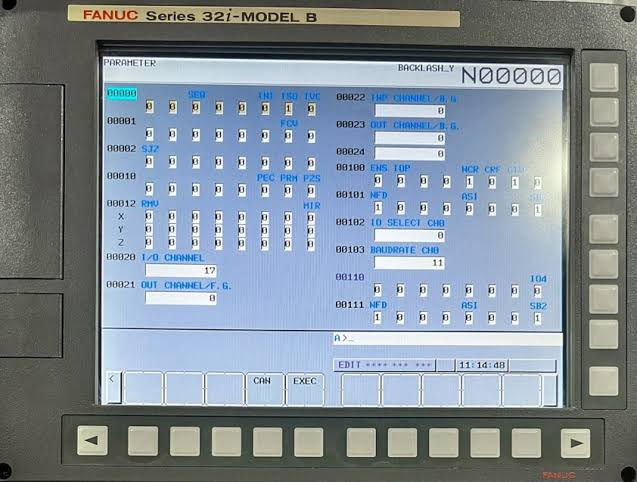
Controller software upgrades may affect communication drivers, process options, safety configurations, and program compatibility. A successful boot after upgrade does not mean production functions have been fully restored.
- Key Checks
- Record the current system version, installed options, license information, and hardware configuration.
- Check the compatibility requirements of the target version for the mainboard, storage, teach pendant, drives, and communication boards.
- Export a complete system backup, programs, variables, safety settings, and network configurations.
- Confirm communication dependencies with PLCs, vision systems, welders, positioners, and host systems.
- Handling Steps
- Prepare the original version installation media and clear rollback steps before the downtime window.
- First verify critical programs and communication functions on a spare or test environment.
- After the upgrade, restore options, calibration data, user permissions, and peripheral communications item by item.
- Complete manual, automatic, safety, process, and continuous production verification and document the results.
- Common Misconceptions
- Only backing up user programs without saving system and license configurations.
- After upgrade, only testing jog functions, not testing PLC, vision, and process equipment.
- Not preparing original version media, unable to roll back quickly when compatibility issues arise.
- Summary
Before upgrading a robot system, confirm hardware compatibility, software version, license options, complete backup, communication equipment, and rollback media to avoid missing functions after the upgrade.
Industrial Robot Repair Hotline: +86 18122009539
Contact Repair Engineer: +86 18122009539